
Login
The login process uses the standardized and open OAuth2 protocol. Due to security requirements, this version of OAuth requires the use of SSL transport security (https) between the web browser and the web server.
For a safe transmission of sensitive data (e.g. passwords) SSL transport security (https) is used for securely encrypted communication between the web browser and the web server.
Using the Control Center web application requires a user login. Users are managed within the User Management web application. Besides Customer, user name and password, the login requires the specification of the ServiceTracer® host. The host may be specified as host name or IP address. Note: If the IP address is used here, the host name has to be resolvable during processing anyhow. Please note that the login of users results in a display of all dates and times within the web application in the user's time zone.
Due to multitenancy, the specification of a Customer (tenant) is required during login. The Customer has to be assigned to the user. For a System User login no Customer specification is required.
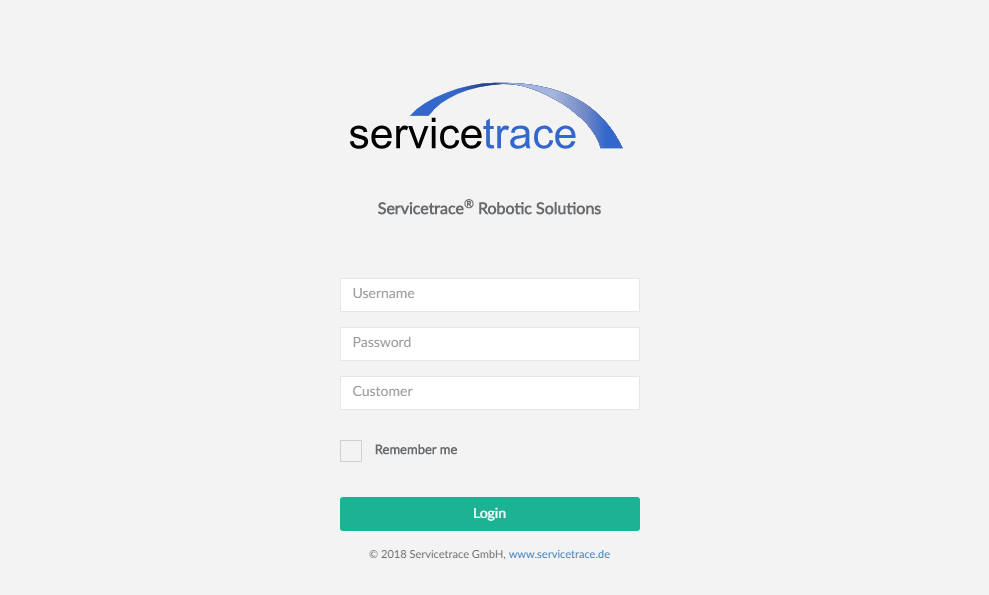
Users are logged in as long as at least one browser session is running. If all browser instances are closed, users are automatically logged out by default. If the checkbox Remember Me is enabled, users will be logged in permanently - i.e. no login is required even if all browser instances have been closed.
After login, the Control Center web application opens. The upper right corner displays a small user menu consisting of several menu items: Customer, user name, sign out link, help link and about link. Clicking the user name opens a pop-up displaying the user name and time zone as well as several links. All date and time data shown within the web application refer to the time zone displayed here.
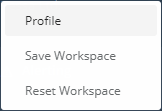
Show Profile
The menu item Show Profile opens a dialogue containing all properties of the user: login name and time zone
as well as privileges and roles granted. For a logged in System User owning all privileges per se, no specific
privileges and roles are displayed. Besides viewing their properties, users are also able to edit several properties ( Edit Profile).

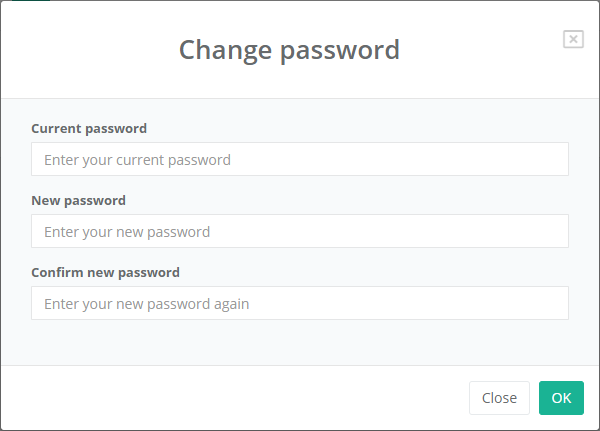
Change Password
Users may change their password by entering the current password first and specifying a new password afterwards.
Save/Reset Workspace
With the aid of the menu items Save Workspace and Reset Workspace users' workspaces may be saved or restored. For a detailed description of the workspace concept read here.
Web Application Logfile
This menu item downloads the logfile of the Control Center web application.